










![How to Start an Ecommerce Business in Australia [2023 Guide]](/template/e27cf56f/images/resource-blog-right-img1.png)



6 Easy-To-Use Website Builders for Beginners in 2026
Building a new website can feel a lot like opening a blank notebook. You are sure about what you want to create, but the empty pages seem intimidating. Luckily, today’s website builders are designed to remove that friction by offering pre-built layouts, visual editors, and guided setup tools.
And using these platforms, anyone can launch a website without touching a single line of code. Whether it is a simple business site, a blog, or a full online store, with the right platform, you can turn your idea into a polished website in minutes, not days.
So, the challenge is not about building a website; it’s knowing where to start.
That’s why this article takes a closer look at some of the most beginner-friendly options available today. Though in common, Wix, Site123, and WebCommander are often considered the easiest for absolute beginners, each builder on this list shines in its own way.
Let’s explore each one to see what they offer.
A brief overview of the easiest website builder for newbies
- Wix – flexible drag-and-drop
- Squarespace – stunning templates
- WebCommander - all-in-one ecommerce website builder
- Site 123 – Quickest to set up
- Shopify – best for ecommerce beginners
- WordPress.com – scalable and beginner-friendly
1. Wix
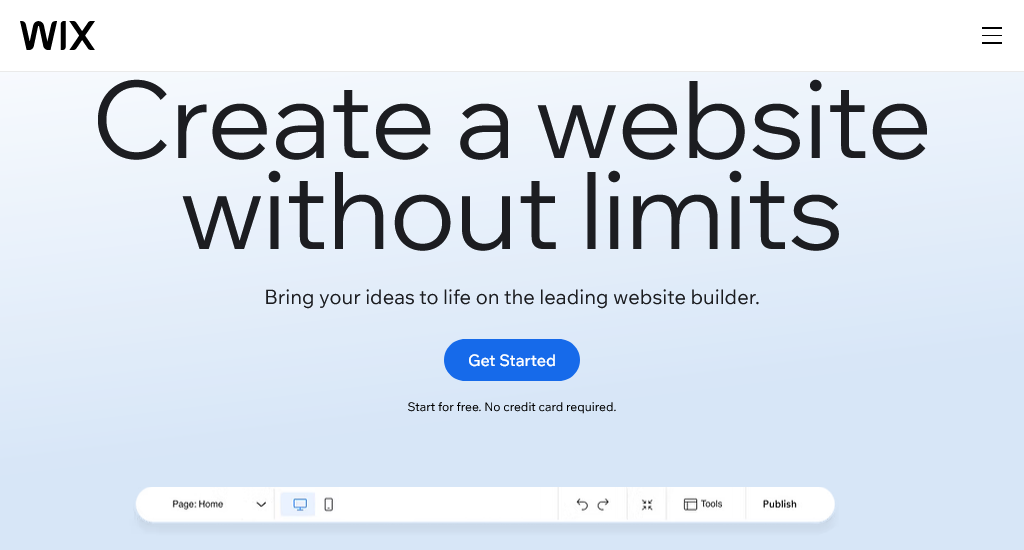
Wix is one of the most accessible, user-friendly website builders in 2025. It has introduced some recent updates, including the shift to Wix Studio, upgrading AI website creation, and broadening design options. This platform balances both simplicity for beginners and deeper design features for more advanced users.
For many small businesses, freelancers, or first-time website owners, Wix offers a compelling all-in-one solution with minimal technical hassle.
Key features
- Drag-and-drop editor
- AI-powered site builder (Wix ADI)
- Ecommerce / online store tools
- SEO tools & analytics
- App marketplace and integrations
- Design & typography flexibility
- Mobile optimisation
- 800 + templates
- Built-in hosting & SSL
- Social media & marketing integrations
Pros
- Beginner-friendly. No coding is needed
- Quickly build a site via AI + templates
- There is a large selection of templates & design options available
- All-in-one: domain, hosting, security, tools included
Cons
- The free plan and lower tiers have storage or feature limits
- Once published, switching certain templates or layouts can be difficult
Pricing
- Free plan — AUD $0
- Light plan — AUD $16/month
- Core plan — AUD $33/month
- Business plan — AUD $49/month
- Business Elite plan — AUD $179/month
2. Squarespace
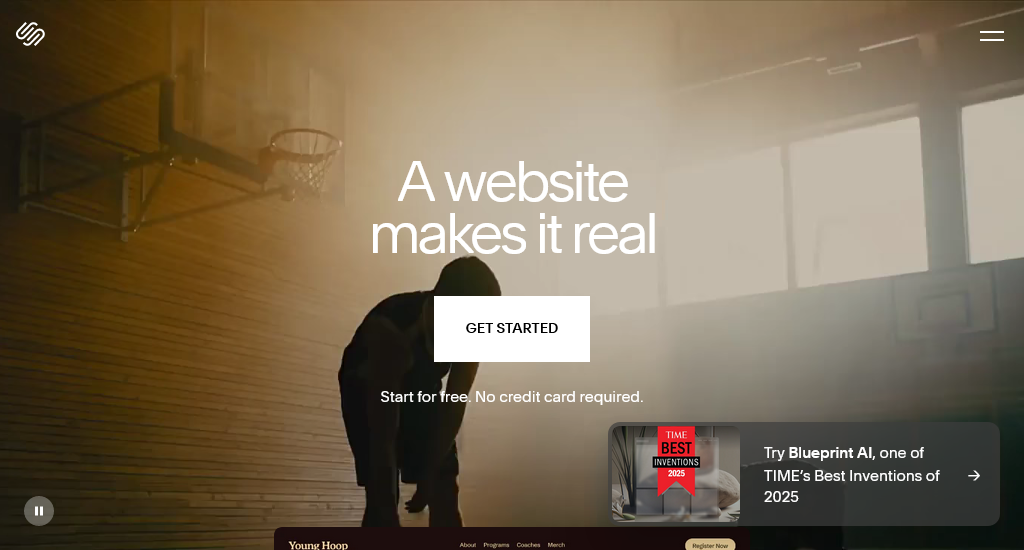
For beginners, Squarespace makes it easy to create visually impressive websites using its sleek templates and intuitive editing tools. Everything from hosting to design and content management is built into the platform. Users don’t need to set up anything separately. Anyone who is looking for a stylish portfolio, business site, or small online store will find this platform perfect.
Key features
- Designer-made, mobile-responsive templates
- Built-in hosting & SSL & unlimited bandwidth/storage
- SEO tools, analytics & marketing integrations
- Built-in ecommerce support (on commerce plans)
- Blogging & content management tools
- Basic code customisation (CSS/JS) depending on plan
- 24/7 customer support (chat/email)
- Built-in tools for payments, checkout, product management, checkout on a custom domain (on commerce plans)
Pros
- High-quality professional templates
- All-in-one platform with hosting and design system
- Unlimited bandwidth and storage
- Simple setup for beginners
Cons
- No free plan
- Advanced ecommerce features are limited to higher plans
Pricing
- Basic: AU$17 (annual)
- Core: AU$28 (annual)
- Plus: AU$49 (annual)
- Advanced: AU$109 (annual)
3. WebCommander
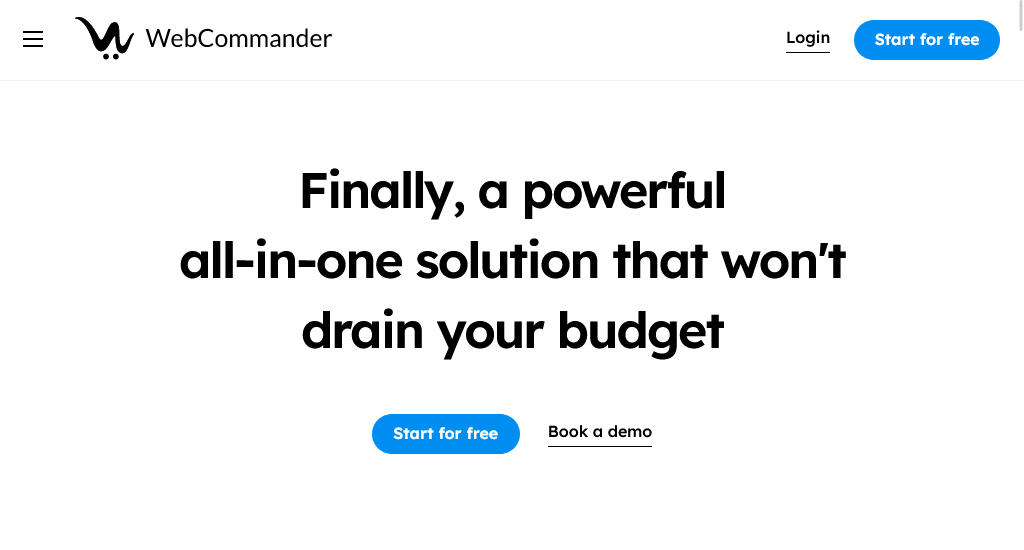
WebCommander is a flexible website and ecommerce platform. It is built to help businesses customise their store exactly the way they want. It includes powerful product management, integrations, and marketing tools while still staying simple enough for beginners to operate. It’s especially suited for small to mid-sized businesses that want more control over their online store without the complexity of enterprise systems.
Key features
- Drag-and-drop page builder
- Built-in hosting and security
- Customisable ecommerce setup
- Product, inventory and order management
- Marketing and SEO tools
- Mobile-responsive templates
- Third-party integrations and add-ons
- Multi-channel selling options
Pros
- Very flexible to create customised ecommerce stores
- Easy for beginners and powerful enough for growing businesses
- Templates are designed for various industries
- There are local support options for Australian users
Cons
- Small template
- Fewer third-party apps
Pricing
- Startup: Free
- Professional: $15/month
- Premium: $350/month
- Enterprise: Custom pricing (contact for quote)
4. Site 123
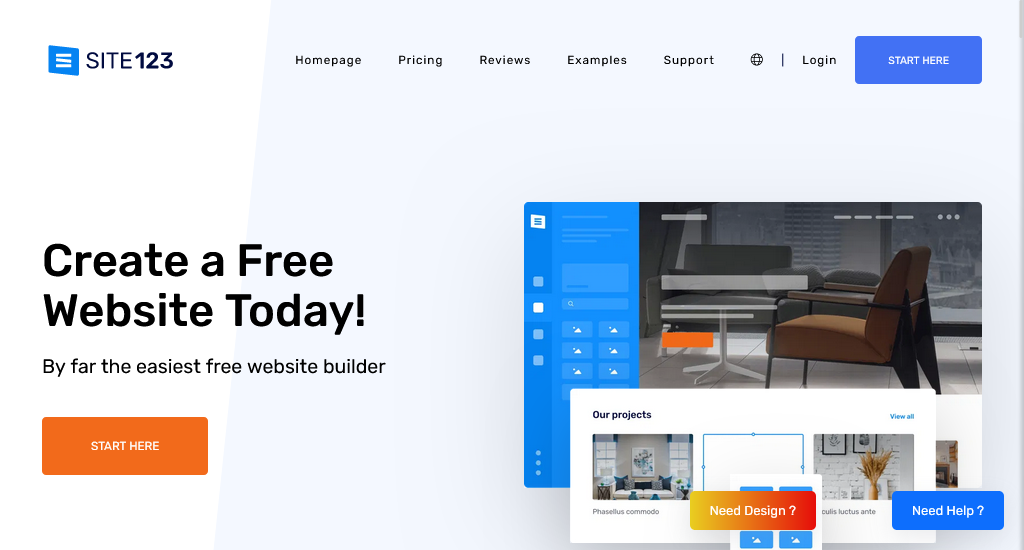
SITE123 focuses completely on speed and simplicity. Using its pre-structured layouts, users can publish a functional website with no hassle. Unlike design-heavy builders, it offers a clean, organised framework to keep the setup straightforward. It’s particularly useful for people who are looking for a quick online presence for services, events, or information without investing time in complex design work.
Key features
- Mobile-responsive templates
- Built-in hosting and SSL
- Basic ecommerce tools
- SEO and marketing tools
- Blogging and content tools
- Multilingual support
- Booking and scheduling tools
Pros
- Extremely easy for first-time users
- Clean editing experience
- Free plan available
- Supports online stores and multilingual sites
Cons
- Limited design customisation
- Storage limits on lower-tier plans
Pricing
- Free plan: $0
- Premium plan: around $20.80/month
5. Shopify
Shopify is another dedicated ecommerce platform that users use to build a complete online store. While supporting both online and in-person selling, it offers all the tools for products, payments, shipping, and customer management, all in one place. Brands that want to grow across multiple channels can use it effortlessly.
Shopify is especially popular with small businesses and growing retailers because it offers powerful features without requiring advanced technical knowledge.
Key features
- Full ecommerce store builder
- Unlimited products, storage, and bandwidth
- Order, inventory, and customer management
- Built-in payment processing
- App marketplace with thousands of extensions
- Built-in shipping tools & discounted shipping rates
- POS (point-of-sale) for retail or pop-up sales
- Abandoned cart recovery, analytics, marketing and SEO tools
- Dropshipping and multi-channel selling support
Pros
- Easy to set up and manage — good for first-time store owners
- Very scalable — works for small shops and large stores alike
- Advanced app ecosystem and powerful integrations
- Supports both online store and in-person sales
Cons
- The pricing seems expensive compared to simpler website builders
- Customisation requires the use of paid themes or custom code
Pricing
- Basic plan (entry-level store): ~ AUD $56/month
- Grow plan: AUD $114/month
- Advanced plan: AUD $431/month
- Plus/enterprise-level plan: Starts at USD 2300/month
6. WordPress
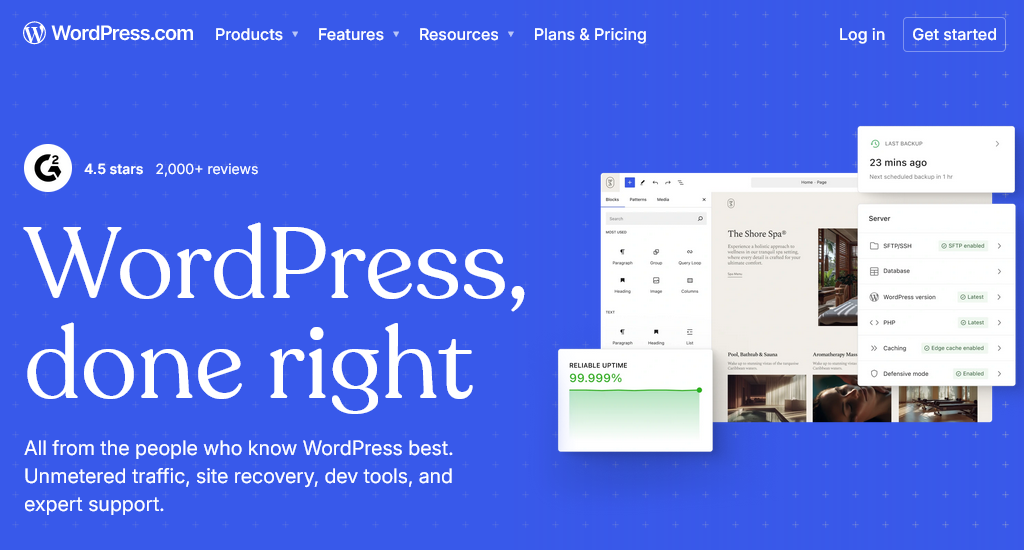
WordPress is a versatile platform. Not just about a simple website creation, WordPress offers a framework empowering blogs, business sites, portfolios, and full-scale ecommerce stores. It has a massive ecosystem of themes and plugins, which lets users add custom features and design elements without starting from scratch.
With its combination of flexibility, scalability, and content management tools, WordPress enables users to build highly personalised websites that can evolve as their needs grow.
Key features
- Powerful blogging and publishing systems
- Massive theme and plugin ecosystem
- Strong long-form content tools and built-in scheduling
- Integrates with thousands of third-party services
- Built-in hosting and security
- Optional ecommerce store
- Custom domain support
- Mobile-responsive design
Pros
- Highly flexible for growing websites
- Strong blogging tools unmatched by most builders
- Wide range of themes and customisation options
- Works for both beginners and advanced users
Cons
- Features vary heavily between plans
- The process is more complex than simpler drag-and-drop builders
Pricing
- Personal: AU$6/month
- Premium: AU$13/month
- Business: AU$38/month
- Commerce: AU$68/month
- Enterprise: Starts at US$25000/year
9 things that make a website builder beginner-friendly
A website builder is considered beginner-friendly when it makes the process of creating a website as simple and intuitive as possible, even for someone with little to no technical experience.
Here are some of the key elements,
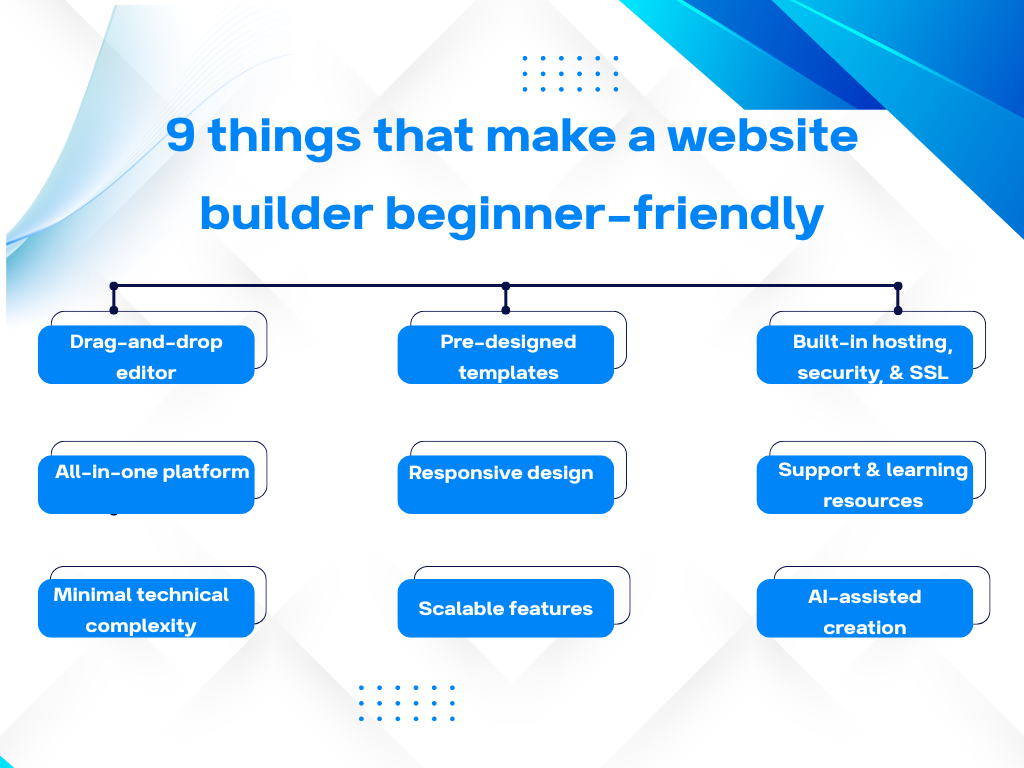
Drag-and-drop editor: It lets users place text, images, buttons, and forms visually with no coding.
Pre-designed templates: Without starting from scratch, users can make good use of those ready-made layouts that are tailored for different industries or purposes.
Built-in hosting, security, and SSL: Users don’t need to manage separate servers or configure security settings.
All-in-one platform: Users get everything from blogging to ecommerce to SEO tools to marketing integrations and analytics in a single dashboard.
Responsive design: Templates automatically adjust for mobile, tablet, and desktop screens.
Accessible support and learning resources: Any sort of support, including tutorials, live chat, community forums, video guides, and onboarding checklists, helps users overcome obstacles.
Minimal technical complexity: It allows users to put more focus on content creation and website goals instead of coding or infrastructure.
Scalable features: Users can start simple and add advanced tools as their needs grow.
Guided setup or AI-assisted creation: Builders offering this feature automatically generate site structure while suggesting design elements based on user input.
How to choose the best website builder?
Here is a simple step guide you can follow to pick the right builder for you.
- Define your goal — It can be a blog, a store, a portfolio, a business site, or anything.
- Write down must-have features — List the must-have features, such as online store, SSL, blog, SEO tools, and mobile-ready design.
- Set a budget — Both monthly or yearly, consider long-term costs if you want to scale up.
- Compare a few builders — Compare their ease of use, features, pricing, and support.
- Test using free or trial plans — Create a simple demo site to see how intuitive and flexible the builder is.
- Consider future growth — Make sure the builder can scale as traffic or complexity increases.
- Check performance & SEO capabilities — Good site speed, responsive design, and SEO settings are essential for visibility.
- Check support and resources — As you are new, having good support or tutorials helps a lot.
- Evaluate ecommerce needs (if any) — Ensure payment gateways, product management, and shipping tools are available if you sell.
- Make your choice based on priorities — Choose the builder that aligns closest with your goals, skills, budget, and growth plans.
Conclusion
So, keep focus on your goals, your skill level, and the features that matter most; you can easily spot the platform that truly fits your needs.
Since all the builders come with their own strengths, such as effortless design, powerful ecommerce tools, or all-in-one simplicity, the key is to pick the one that helps you create confidently. Now that you have a list of beginner-friendly platforms, what to look for, and how each option compares, explore all your top choices and start building.


