










![How to Start an Ecommerce Business in Australia [2023 Guide]](/template/e27cf56f/images/resource-blog-right-img1.png)



6 Best Website Builder for Freelancers in 2026
Starting out as a freelancer is exciting—but it’s not easy. You have to try your best to look professional while working with a limited budget, limited experience, and a very real need to launch quickly. Most of the beginners don’t come with an urge to spend maximum time learning complicated tools or spending weeks perfecting a site. They simply look for something live with a clean homepage, a portfolio, a way for clients to contact them, and maybe a simple pricing or services page.
That’s where the confusion begins.
You do a quick search, and suddenly you’re flooded with options. WordPress, Wix, Squarespace, Webflow, and dozens of other “best website builder” lists.
Follow this guide to make your choice simple. We’ll break down the most popular website builders for freelancers and show where each one shines—based on what actually matters when you’re starting out.
What freelancers actually need from a website builder
When you’re starting your journey as a freelancer and working on your first website, it’s very common to get distracted by flashy templates and “all-in-one” promises. You might end up struggling because you can’t pick a pretty design, or because the chosen platform is too expensive, too limiting, or too hard to manage.
Low upfront cost
A website builder should let one start small without forcing them into paid upgrades just to unlock basic features. The price has to be predictive so that it doesn’t turn expensive by adding the features that were shown.
Easy to launch quickly
For any freelancer, speed matters. The best builders make it possible to choose a template, edit content, and publish in the minimum time. They don’t complicate setup or technical steps.
Enough customisation to look professional
Every builder looks for practical customisation, including fonts, colours, spacing, section layouts, and basic branding. If a builder offers simple customisation options, freelancers can design a website that looks polished without requiring deep design skills.
Easy to maintain
Most of the time, freelancers build and maintain sites for clients. So they look for a platform that makes updates straightforward. They want something that enables them to edit text, swap images, add pages, and keep everything running smoothly without frequent technical issues.
Scalable
A simple portfolio might seem enough at first, but it often expands to blogs, landing pages, booking systems, payments, or lead capture. As a business grows, the right builder will always support growth without forcing a full rebuild.
SEO and performance basics
A site needs to load fast and work well on mobile. In a website builder, basic SEO controls should be available. It includes editable page titles, meta descriptions, clean URLs, and indexing settings. This way, it gets easier for search engines to find and rank the site.
1. Wix – best for beginners
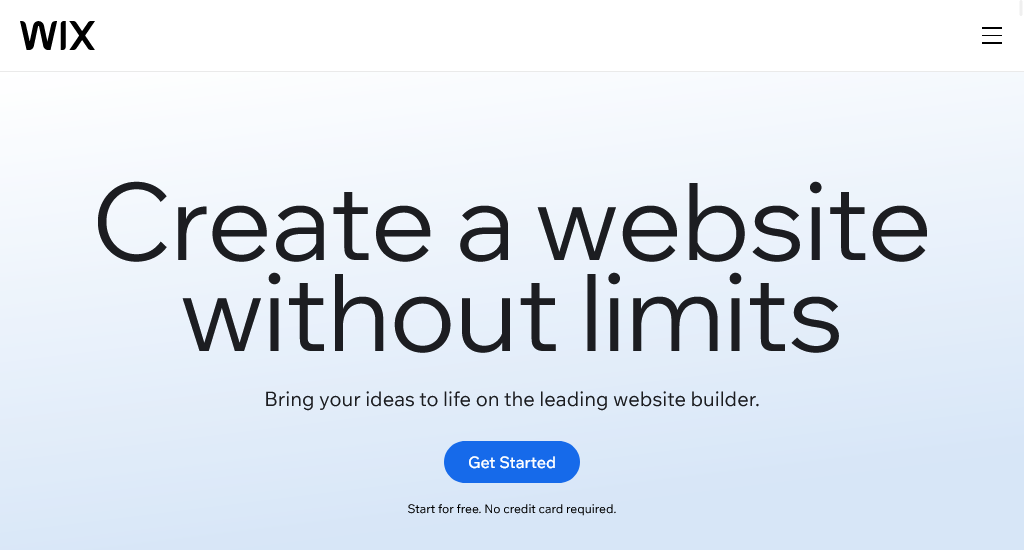
Wix works well for a fast, low-friction start. The editor is as simple as it needs to be. Plus, the templates look polished quickly, and hosting is bundled. Compared to a self-hosted setup, it usually speeds up the launch.
Key features
- Drag-and-drop editor
- Professional templates
- Built-in hosting and SSL
- Mobile-friendly editing
- App Market integrations
- Booking and scheduling tools
- Payments and ecommerce options
- Client collaboration and permissions
Pros
- There is a very easy drag-and-drop workflow
- Many ready-made templates and built-in features
- The hosting is included and requires fewer technical steps to publish
Cons
- Advanced customisation and deep control can feel limited
- Long-term flexibility is lower
Pricing
- Light: AU$21/mo
- Core: AU$42/mo
- Business: AU$55/mo
- Business Elite: AU$199/mo
2. WordPress + Elementor – best for long-term growth
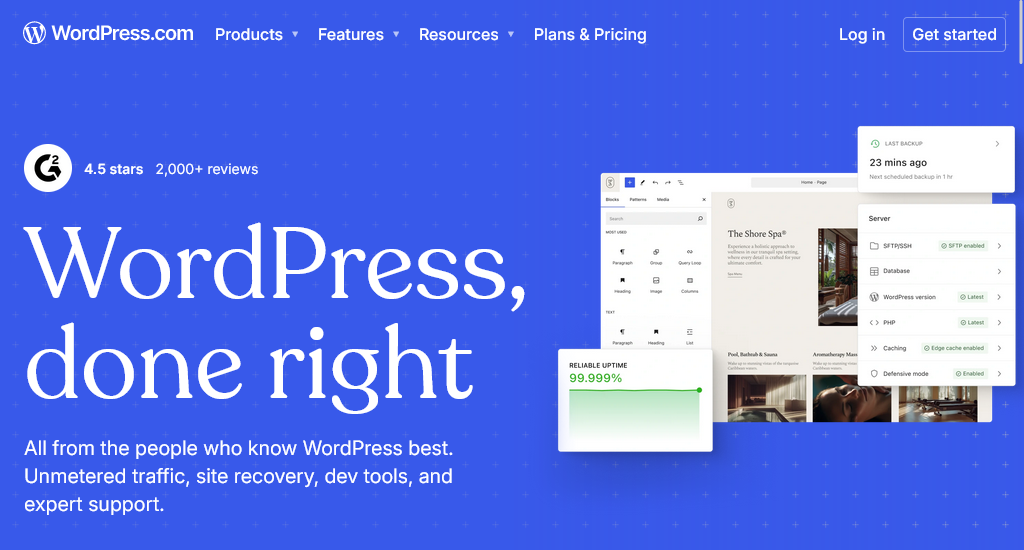
WordPress combined with Elementor is an ideal choice for freelancers who want more control and flexibility. It takes longer to learn than all-in-one builders, but it allows you to build more customised, scalable websites while growing real technical skills over time.
Key features
- Full website customisation (themes & plugins)
- Theme builder for headers and footers
- Large template and block library
- Strong SEO capabilities
- Mobile-responsive controls
- Works with almost any hosting provider
- Easy content management for clients
- Supports blogs, business sites, and ecommerce
- Scales well for multiple client projects
Pros
- Very high level of customisation and control
- Excellent long-term flexibility
- Strong SEO and performance potential
- Large ecosystem of plugins and themes
Cons
- Complex learning curve for beginners
- Requires hosting setup and maintenance
Pricing
WordPress software: Free (Hosting price varies by provider)
Elementor website builder plugin offers four pricing plans.
- A$7.99/month (Essential)
- A$10.99/month (Advanced Solo)
- A$12.99/month (Advanced)
- A$25.99/month (Expert)
3. WebCommander – best value for feature-rich stores
WebCommander is more ecommerce-focused than portfolio-focused. It suits freelancers building online stores or B2B ordering sites, especially when built-in commerce tools matter more than heavy design freedom.
Key features
- Ecommerce website builder
- Product and inventory management
- Shipping and tax tools
- Payment gateway support
- SEO and marketing tools
- B2B and B2C selling option
- Integrations and API support
Pros
- Strong built-in ecommerce features
- Good for store and catalogue sites
- Works well for B2B-style ordering
Cons
- Design flexibility feels more limited
- Advanced needs may require higher plans
Pricing
- Startup: Free
- Professional: AU$15/mo
- Premium: AU$350/mo
- Enterprise: Custom pricing
4. Squarespace – best for design
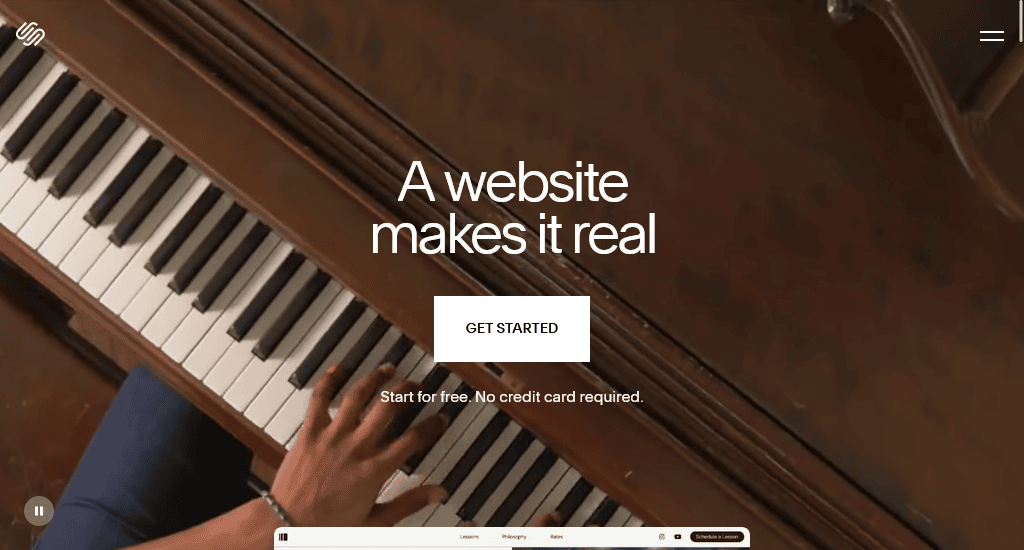
Squarespace is a strong choice when it comes to visual presentation. All of the templates are clean and modern. Using those, any site can look premium, requiring minimal effort. Editing is also straightforward, and hosting is included. Most importantly, the platform doesn’t require much maintenance.
Key features
- Beautiful, modern templates
- Easy editing tools
- Built-in hosting and SSL
- Mobile-responsive layouts
- Built-in SEO tools
- Strong image galleries and portfolio layouts
- Blogging tools
- Scheduling and basic ecommerce options
- Built-in analytics and integrations
Pros
- High-quality design templates that look professional, fast
- Great for portfolios and image-heavy work
- Reliable all-in-one platform with low maintenance
Cons
- Less flexible than WordPress for advanced custom builds
- Some features and integrations require higher plans
- Editing can feel structured compared to fully custom builders
Pricing
- Basic: A$17/mo
- Core: A$28/mo
- Plus: A$49/mo
- Advanced: A$109/mo
5. Durable – fastest to launch
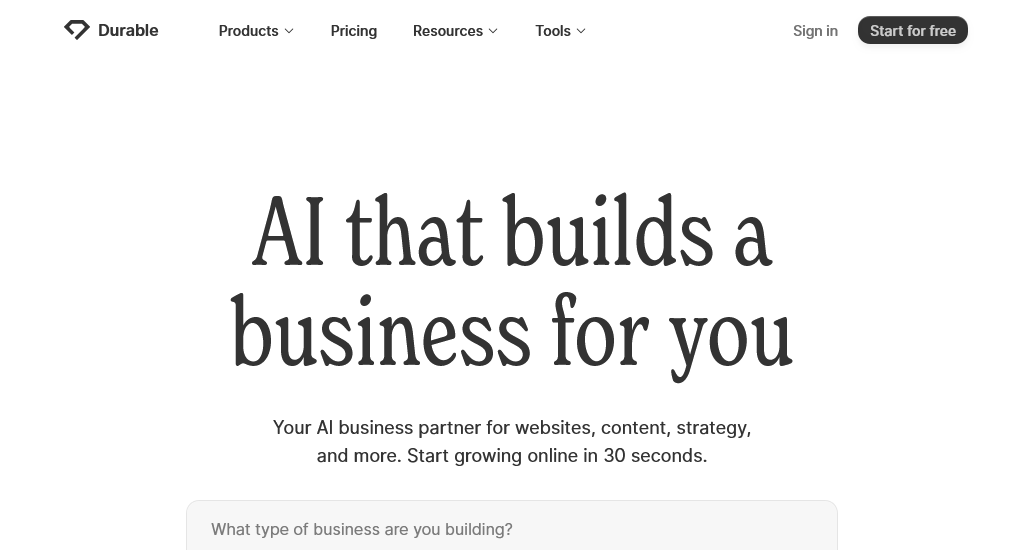
Durable is built for speed. If you want to build a simple website in minutes and get online quickly to start collecting leads, you can give it a try. It mostly suits service-based freelancers who need a clean site with the basics, rather than full design freedom.
Key features
- AI-generated website creation in minutes
- Simple section-based editing
- Built-in hosting and SSL
- Lead capture forms and contact tools
- Basic SEO settings
- Built-in CRM-style tools for managing leads
- Invoicing and simple business tools
- Logo and brand-style generation options
Pros
- One of the quickest ways to launch a freelancer website
- Requires minimal setup and a low learning curve
- Good for simple service websites and landing pages
Cons
- Limited design flexibility compared
- Not considered ideal for complex sites
Pricing
- Starter: $12/mo
- Business: $20/mo
- Scale: $70/mo
6. Shopify – best for ecommerce

Shopify is built for selling. It’s a right choice when the main goal is an online store, product catalogue, payments, shipping, and multi-channel selling. It is very common for freelancers who build ecommerce sites for clients. The platform is popularly used for its stability and scalability.
Key features
- Online store builder made for ecommerce
- Secure checkout and payment
- Inventory, orders, and shipping tools
- Multi-channel selling
- App ecosystem
- Built-in analytics and reporting
- Store themes and customisation options
Pros
- One of the strongest platforms for ecommerce
- Scales alongside product range and traffic growth
- A bunch of apps and integrations for store features
Cons
- Monthly cost can rise with apps and advanced features
- Custom changes sometimes need developer help
Pricing
- Basic: A$42/mo
- Grow: A$114/mo
- Advanced: A$431/mo
- Plus: from USD 2,300/mo
Wrapping up
Choosing a website builder as a freelancer is not just about finding the “perfect” platform. Rather, it is more about picking the one that matches current needs. The best approach is to start with a builder that helps launch quickly and confidently. You can upgrade when business needs expand. A clean, clear website that is live and generating inquiries will always outperform a “perfect” site that stays unfinished.


